Qontrol by aq.chat
Control OBS
from your phone.
Build custom stream scenes with aq.
Control them from your phone, manage OBS, Streamlabs, or Meld, and let your team run the show with you.
Your buttons. Your layout. Your stream.
“Make a phone panel for my existing scenes. Let me switch between Starting Soon, Gameplay, and BRB in OBS, mute my mic, adjust music volume, edit the on-screen message, and toggle Code Red lighting.”
You ask. aq builds.Works with OBS Studio·Streamlabs·Meld
Interactive Overlays with Remote Control
Your canvas
is a controller.
Move a piece in aq.chat. Watch it move on stream.
Play against Twitch chat, where the first legal reply takes the next turn.
01 / aq.chat StudioMove a piece ↙
Loading the example match…
02 / OBS On your stream
Same stream. More hands.
Run your stream
with your team.
You get the kill streak. Your mod brings the hype.
Give your moderators a shared panel to trigger pulsing lights and sound, and make a kill streak feel electric. You keep playing.
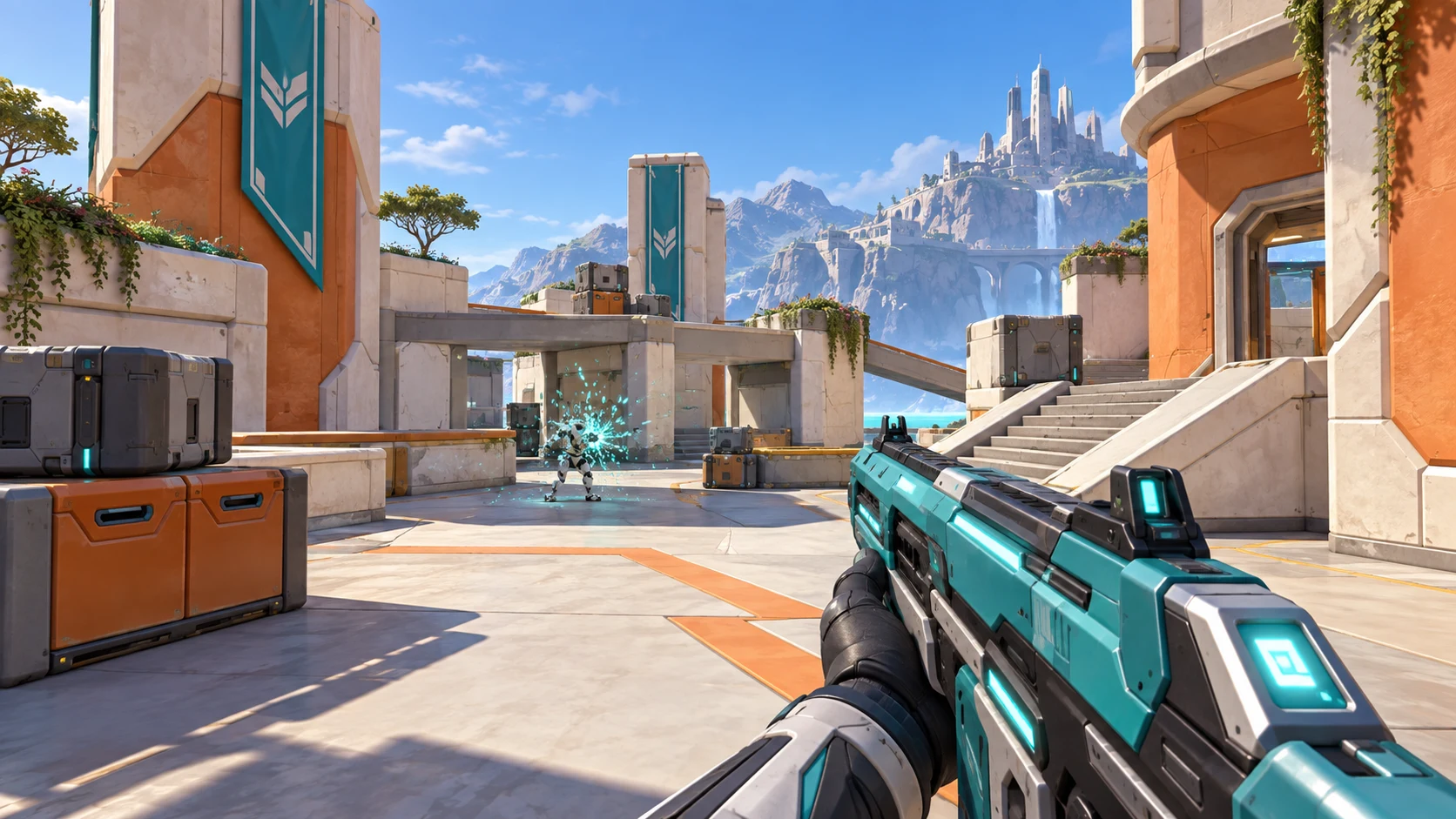
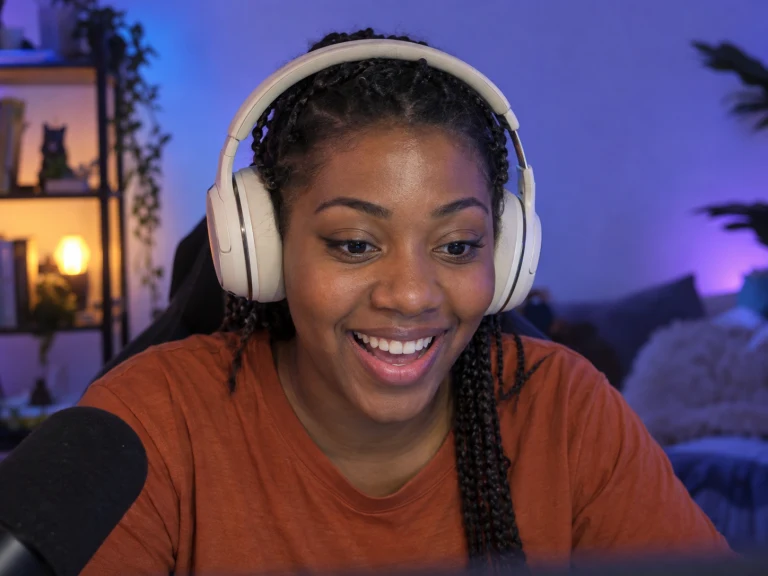 YOU / LIVE
Moderator Control Panel
You bring the heat. They keep playing.
One workspace. Your whole team.Invite trusted moderators to your Pro workspace. They sign in to their own accounts, select the shared workspace, and open the scene in Studio to use its panel or copy the Panel link themselves.
From first round to final
Run your tournament.
Right from your canvas.
Click the winning team in aq.chat Studio and your live bracket advances in OBS. Keep every viewer up to speed, all the way to the final.
Create my tournament ↗01 / aq.chat StudioPick a winner ↙
Loading the example bracket…
02 / OBS On your stream
Read the Qontrol guideShare controls with your team
From idea to your stream
Build it here.
Use it where you stream.
Tell aq.chat what you want to change. Add another button, simplify the layout, or make it easier to tap on your phone.
Describe your controls
Ask for a panel for an existing scene, or create a scene and its controls together. Tell aq.chat what each button, slider, or field should do.
Connect your streaming app
Add your Scene link as a browser source in OBS, Streamlabs, or Meld. Once the scene connects, open Devices in aq.chat and follow the remote-control setup for that app. Keep an aq.chat browser source running while you use the controls.
Open your Panel link
Use the panel in the Studio, or open its Panel link on your phone or another screen. Sign in to the same workspace to use it.
Qontrol FAQ
Before you
go live.
Can I use my phone instead of a Stream Deck?
Yes. Open your Panel link in your phone’s browser and sign in to your workspace. Ask aq for the scene buttons, audio sliders, and layout you want. No separate phone app or hardware required.
Can I add controls to scenes I already have?
Yes. Open an existing aq.chat scene and describe what you want to control: scores, messages, sounds, or effects. Your panel can also switch between scenes in OBS, Streamlabs, or Meld once you connect that app.
How do I connect OBS, Streamlabs, or Meld?
- First, get a scene connected. Copy a Scene link from aq.chat Studio and add it as a browser source in OBS, Streamlabs, or Meld on the computer you want to control. Activate that scene and wait for aq.chat to confirm the connection.
- Then enable remote control. Open Devices in aq.chat and enable control for that device. Follow the setup instructions to connect to the app’s local WebSocket control server, entering its password or API token if required. aq.chat tests the connection before enabling control.
- Keep a scene connected. Your panel sends commands through the aq.chat browser source, so one needs to stay running in that app while you use the controls.
You can set this up before you start broadcasting.
Can my moderators control the stream from elsewhere?
Yes. On Pro, invite trusted moderators to your workspace. Each moderator signs in to their own account, selects your shared workspace, and opens the scene in Studio. They can use its panel there or copy the Panel link themselves for another device, just as you do. Twitch moderator status alone doesn’t give workspace access.
Will viewers see my control panel?
No. Add the Scene link as a browser source to show the overlay on stream. Keep the Panel link open on your phone or another screen. Viewers see the results when you press a button; the controls stay with you and your team.
Do I need a subscription?
You can try live scenes and remote controls during your trial. After that, a subscription keeps them working, along with Twitch actions. Your panels and Studio previews remain available without a subscription.
Creating and editing scenes or panels with aq uses generation credits. Compare plans.